
SOLUTION / ERP, CLOUD & CAD INTEGRATION
Connected Dental CAM Workflows for
Integrated Production
WORKNC DENTAL helps laboratories and milling centers connect CAM preparation with CAD data, ERP workflows,
cloud-based file exchange and shared production environments.
Modern dental manufacturing often involves multiple software tools, incoming CAD files, shared folders, ERP systems, cloud platforms, machines and operators. When production data is disconnected, teams can lose time recreating information, checking files manually or transferring data between systems.A connected CAM workflow helps reduce duplicated work, improve traceability and keep production information consistent from incoming file to manufacturing output.
INTEGRATION CHALLENGES
Dental production depends on data moving reliably between systems
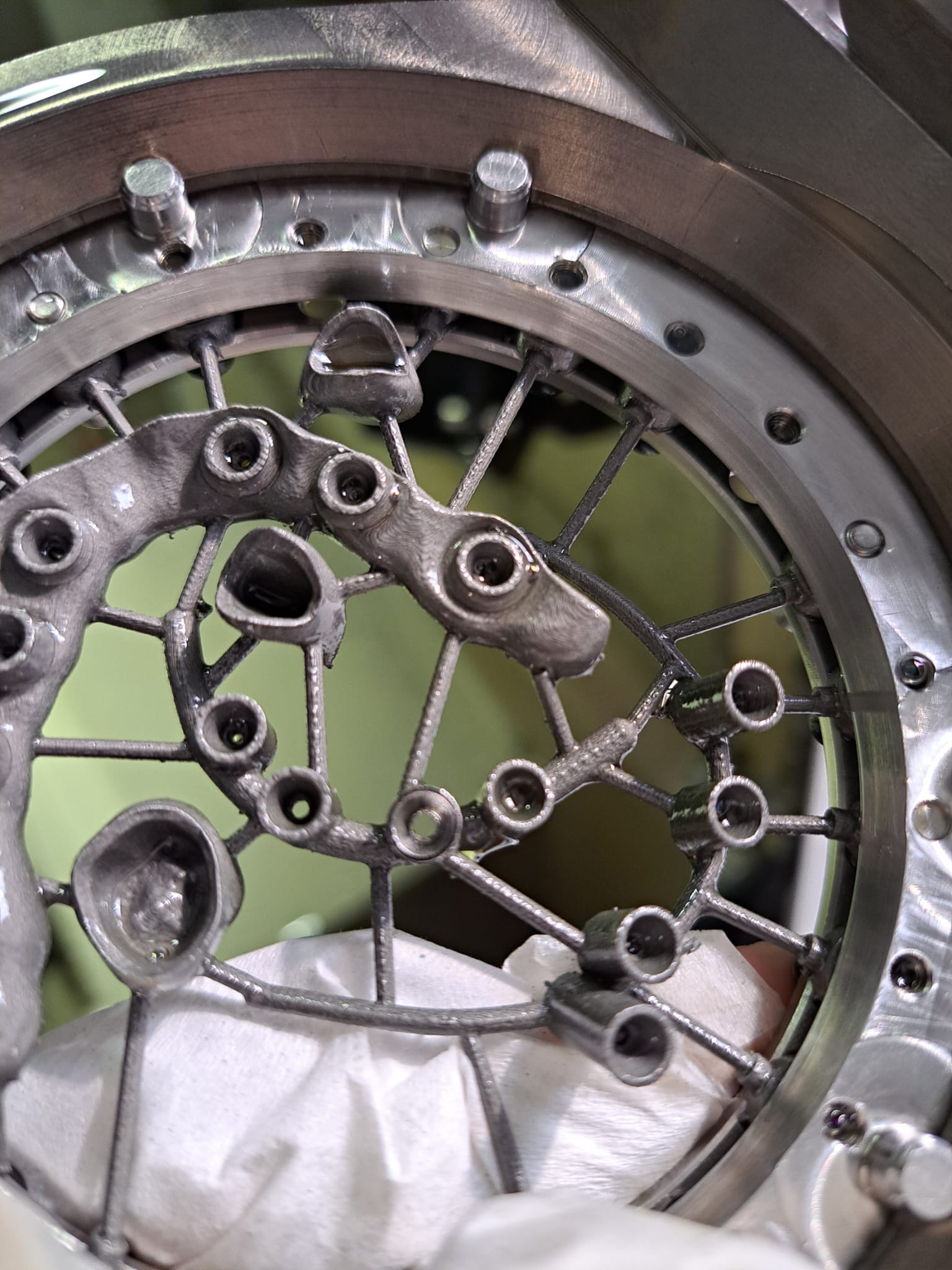
From incoming dental data to production-ready CAM projects
WORKNC DENTAL can support integrated workflows that connect file intake, CAM preparation,
automation and manufacturing output
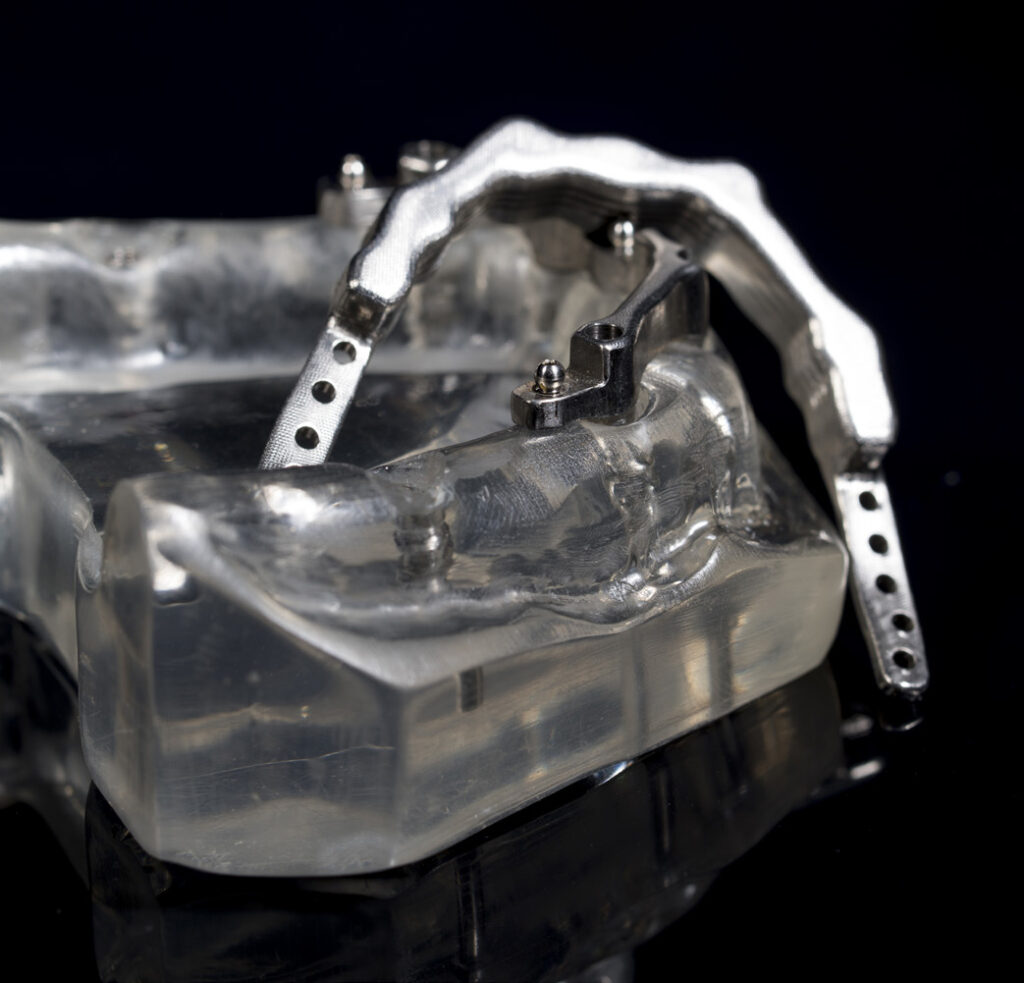
CAD Data
Import or receive dental design files from CAD workflows.
Cloud / Shared Folder Intake
Organize incoming production files through cloud platforms or shared folders.
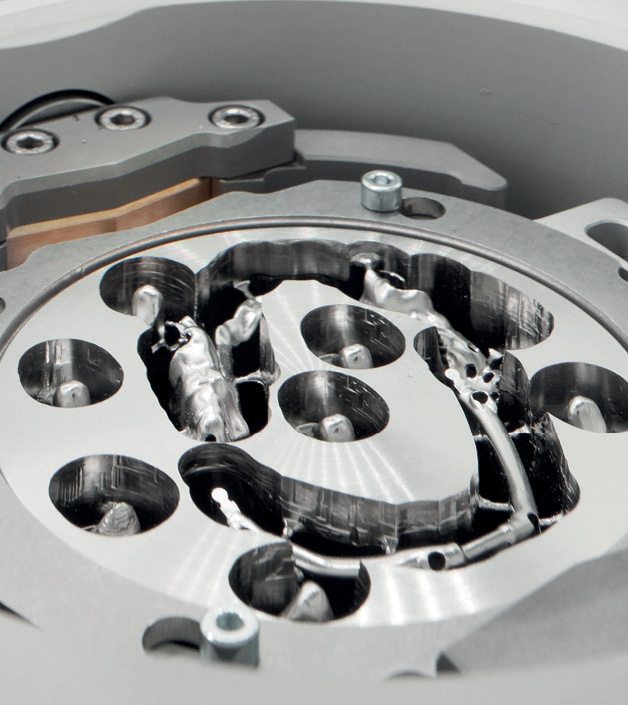
Automated Recognition
Use automated workflows to identify incoming files and production context.
CAM Preparation
Create and prepare CAM projects using WORKNC DENTAL workflows.
ERP / XML Exchange
Support structured data import and export with external production systems.
Manufacturing Output
Generate production-ready data for machines and manufacturing
follow-up.
Integration areas
Connect CAM production with the systems and data flows already used by your team.
1. CAD Data
Receive and prepare dental CAD files for CAM processing, including STL-based workflows.
2. Cloud & Shared Folders
Support incoming file organization through monitored folders or connected file exchange workflows.
3. ERP / XML Exchange
Connect production orders, project data and manufacturing information through structured XML-based exchange.
4. Shared Production Environment
Use Manufacturing Solution to centralize databases, machine configurations, blank materials and production parameters.
Connected production reduces friction between teams, tools and machines
Integration turns CAM from an isolated step into part
of a complete production process
As dental production grows, the challenge is not only to calculate toolpaths. Teams also need to manage incoming files, production orders, machine configurations, material data and manufacturing outputs across several systems.By connecting CAM preparation with CAD data, ERP exchange, cloud-based intake and shared production environments, WORKNC DENTAL helps teams build a more structured manufacturing workflow. This supports better organization, fewer duplicated actions and a clearer path toward automation.